Core Gameplay Loop
In Pixel Block Leap, the primary objective is to navigate each stage from start to finish. Players control a character that can jump between platforms and place blocks to bridge gaps or reach higher areas. The challenge lies in managing limited block resources while avoiding hazards like spinning saws and sharp spikes. Each level presents a new layout, requiring quick thinking and precise timing to progress. The game rewards careful observation and strategic block placement, making every attempt a fresh puzzle.
Controls and Accessibility
The control scheme is straightforward, designed for immediate pick-up-and-play. On a keyboard, movement is handled with the A and D keys (or left and right arrows), while jumping uses the W or up arrow. Placing a block is done with the Space bar, S key, or down arrow. In two-player mode, the second player uses the arrow keys for movement, the up arrow to jump, and Enter or the down arrow to place blocks. This setup allows players of any skill level to jump in without a steep learning curve.
Multiplayer Dynamics
The two-player mode adds a social layer to the experience. Players can choose to cooperate, working together to solve block puzzles and reach the exit, or compete in mini-games like the Beach Ball challenge. Cooperative play encourages communication and shared planning, while competitive modes test individual speed and block placement skills. This flexibility makes the game suitable for family game nights or friendly rivalries between friends.
Visual Style and Atmosphere
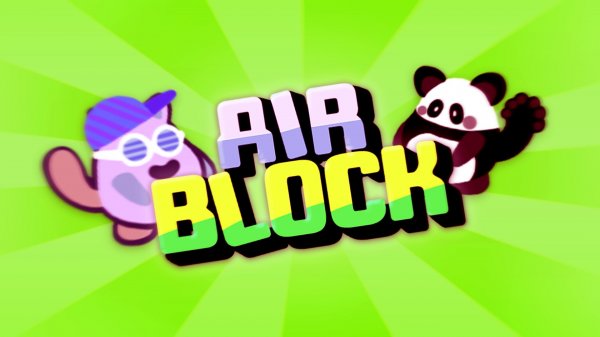
The game features a bright, cartoon-like visual style with clean lines and vibrant colors. Characters and environments are designed to be inviting, with a focus on clarity so that obstacles and platforms are easy to distinguish. The overall aesthetic is cheerful and non-threatening, reinforcing the family-friendly nature of the game. Backgrounds and level themes may vary, providing visual variety as players advance through different stages.
Progression and Rewards
As players complete levels, they can unlock new character skins, adding a sense of progression and personalization. Collecting bananas scattered throughout stages contributes to the player's score, which serves as a measure of performance. The difficulty curve gradually increases, introducing more complex platform arrangements and hazard placements. This steady ramp-up ensures that players remain engaged without feeling overwhelmed early on.
Strategic Tips for New Players
Newcomers are encouraged to practice jumping and block placement to develop a feel for timing. Using blocks to create safe pathways over dangerous areas is a key survival tactic. In multiplayer, clear communication with a partner can lead to more efficient level completion. Taking a moment to survey the level layout before moving can help avoid unexpected obstacles. Repeated play builds familiarity, making it easier to anticipate challenges and use blocks effectively.


Comments
0 comments